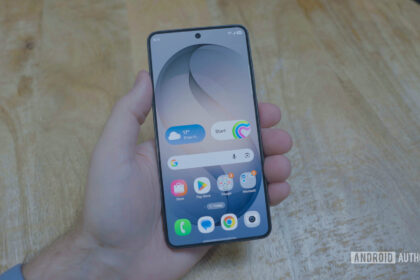


We all have unique rituals when setting up a new Android phone. I go straight for the settings menu to adjust display timeouts, add my Private DNS settings, and activate Developer Settings for even more goodies. Only then do I install my favorite Android apps.
My colleague Mitja Rutnik tackles this challenge differently. He first targets the home screen of his Pixel, then focuses on targeted notification management to get ahead of the pings, and then tackles Modes to automate some of the important processes on his device. As I said, we all have different initial setup steps, so what’s yours?