


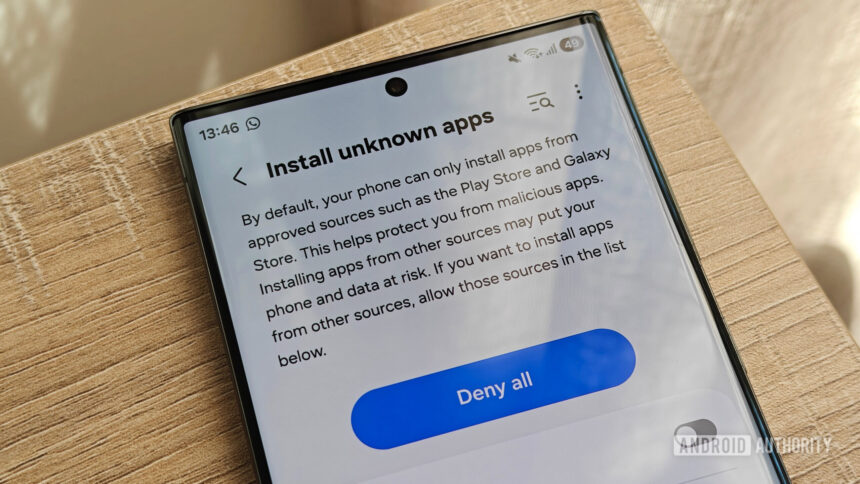
One UI 9 beta introduces a “Manage unknown apps” section that lists all software installed from non-approved sources.
This feature lets users easily spot and uninstall suspicious apps without having to dig through their entire app list.
Samsung is rolling out the first One UI 9 beta to the Galaxy S26 series, and it has a few security features. Auto Blocker is getting a new security report feature, and it gets back the complete USB connection blocking setting in Maximum restrictions mode. There’s another new security feature in One UI 9 that allows you to keep track of “unknown” apps.
In its One UI 9 beta press release, Samsung noted that “One UI 9 also introduces enhanced protection against suspicious apps and potential threats: when new high-risk apps are detected, it now warns users, blocks execution and installation, and recommends deletion through security policy updates.”